Stop Losing Saved Restaurant Reels: The Ordo Workflow
Direct Answer
To fix the issue of saved but unused location reels, use Ordo to automate data extraction from your Instagram saves. Ordo syncs location metadata to a structured map or database, making saved spots searchable and actionable.
The Problem with Saved Restaurant Reels
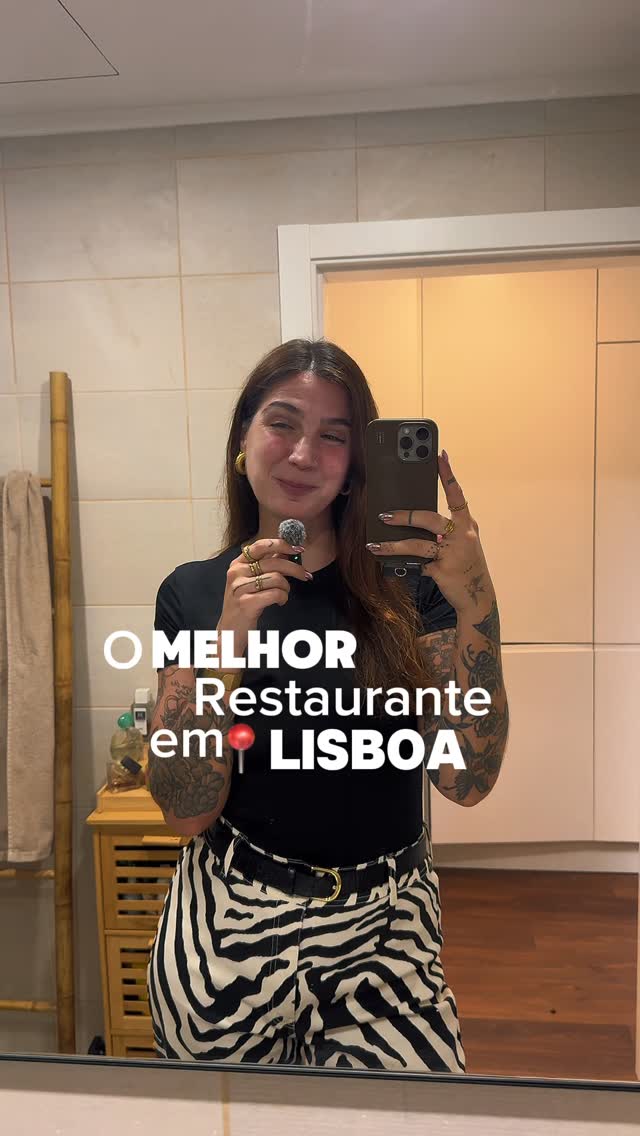
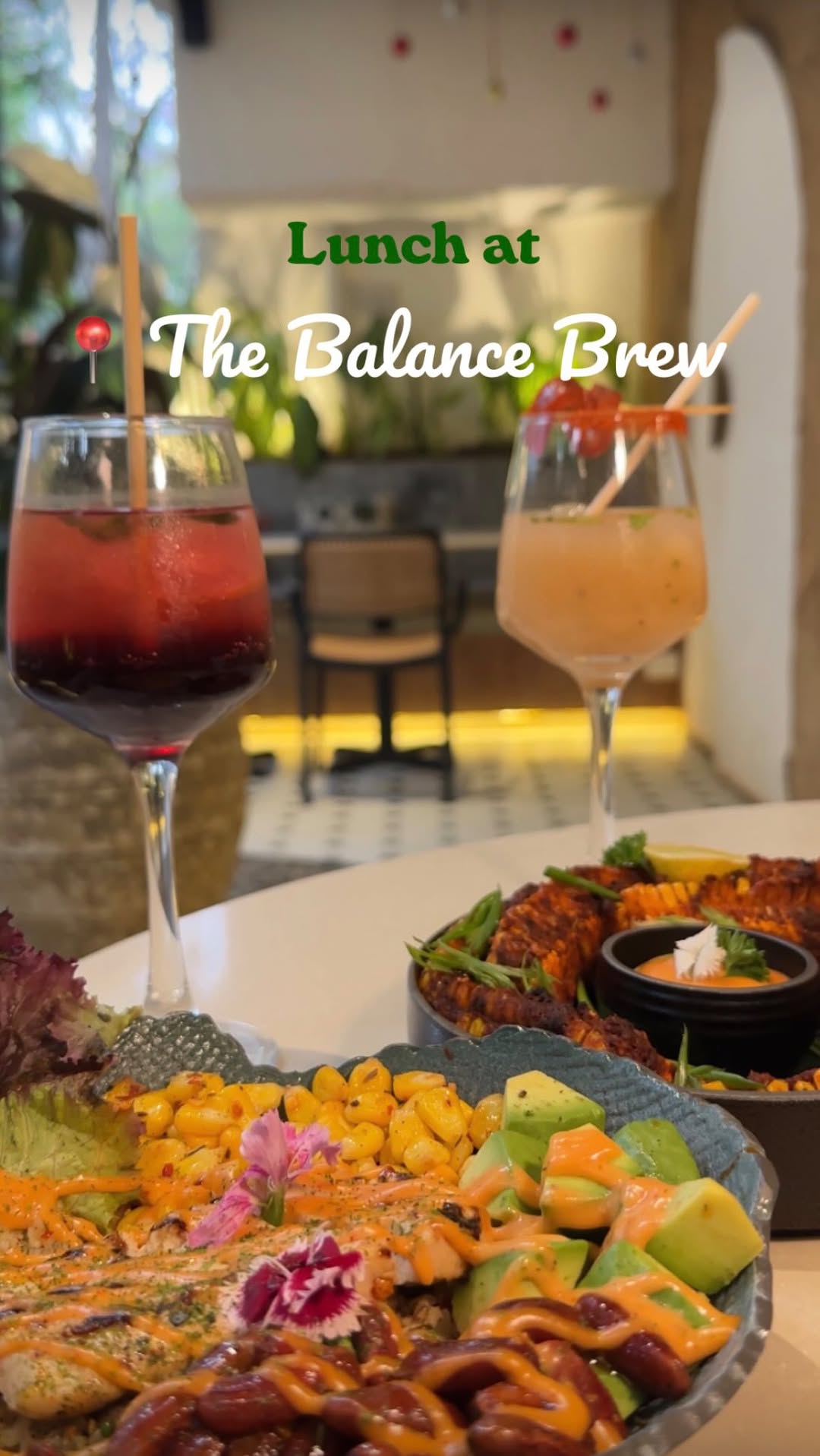
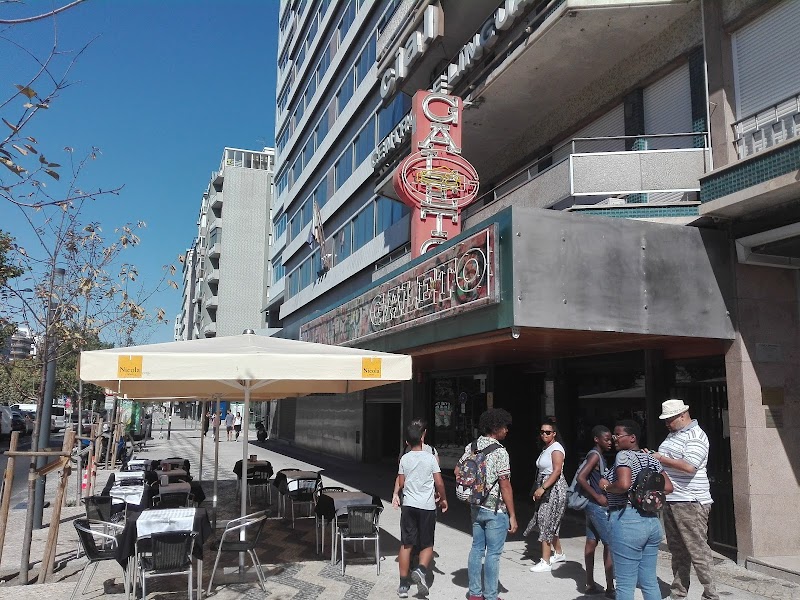
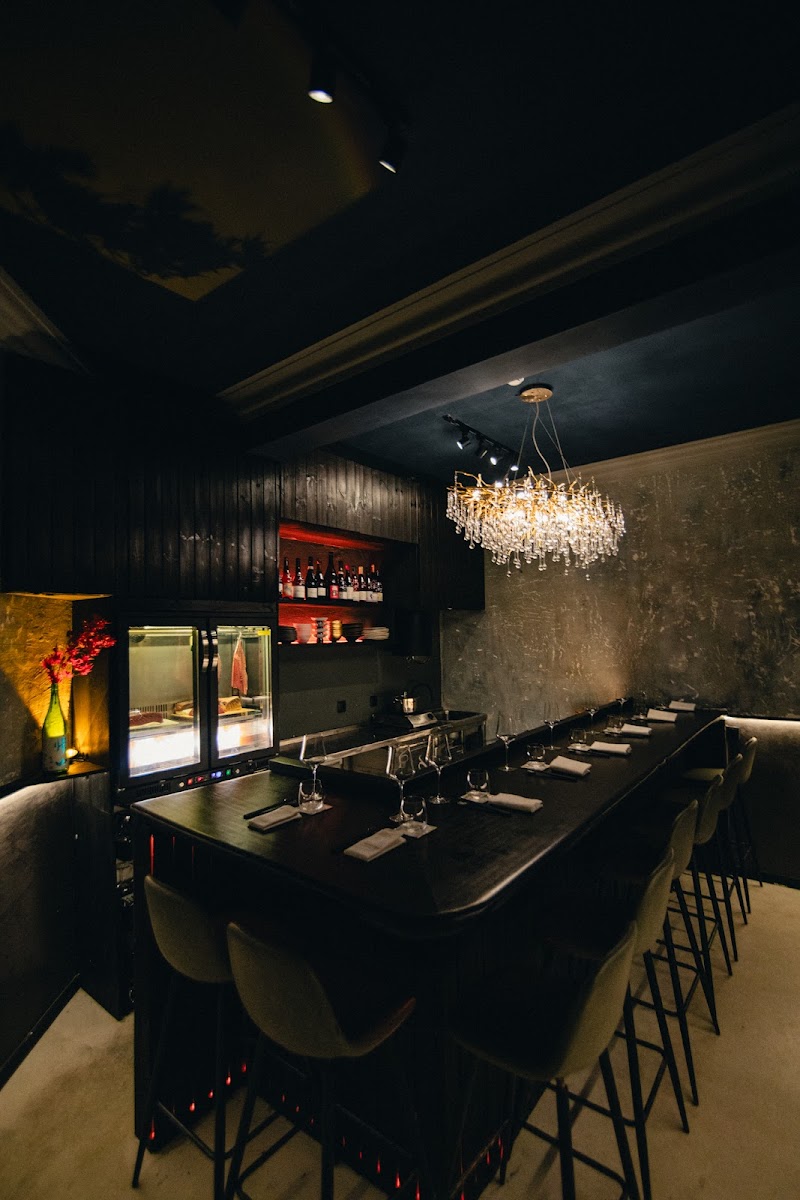
We have all been there: scrolling through Instagram, saving a stunning reel of a Lisbon spot like Galeto or Iru Omakase, only to have it buried under hundreds of other posts. This disconnect between discovery and action is the core frustration for foodies.
Without a systematic way to retrieve these locations, your saves become digital clutter. The inability to filter by neighborhood or view spots on a map means these recommendations are rarely used when it is actually time to eat.
- Inability to search saves by specific location or neighborhood.
- Lack of spatial context for saved restaurants.
- High friction of manual entry into notes apps.
Why Native Saves and Static Notes Fail
Instagram’s save feature is designed for retention, not utility. Folders are difficult to navigate and lack map integration. A 'Lisbon Foodie' reel featuring JNCQUOI ASIA remains locked in a video format that your GPS cannot read.
Manually moving these to Notion or a notes app is a high-friction process. Most users stop transferring data after the first few entries because the workflow is fundamentally broken and time-consuming.
- Instagram saves lack metadata like addresses and hours.
- Notes apps lack the visual context of the original reel.
- Static lists don't provide proximity alerts when you are near a saved spot.
How Ordo Automates Your Lisbon Itinerary
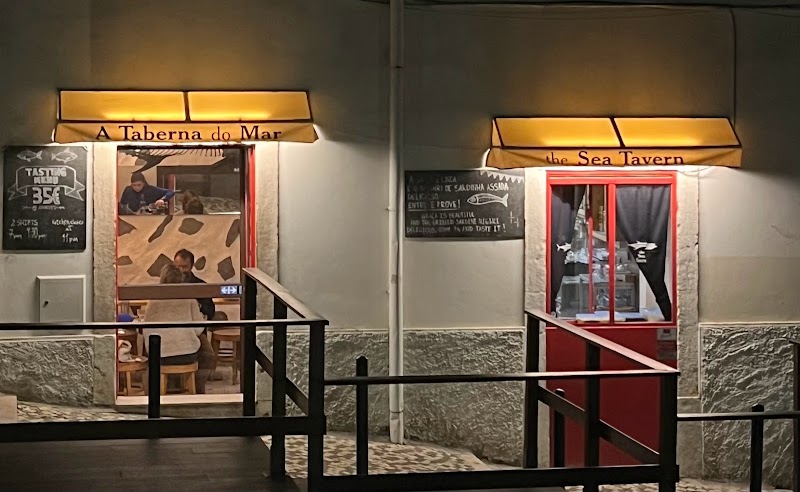
Ordo bridges the gap between social media discovery and physical navigation. By automating data extraction, Ordo transforms a reel of A Taberna do Mar into a precise map pin without any manual typing.
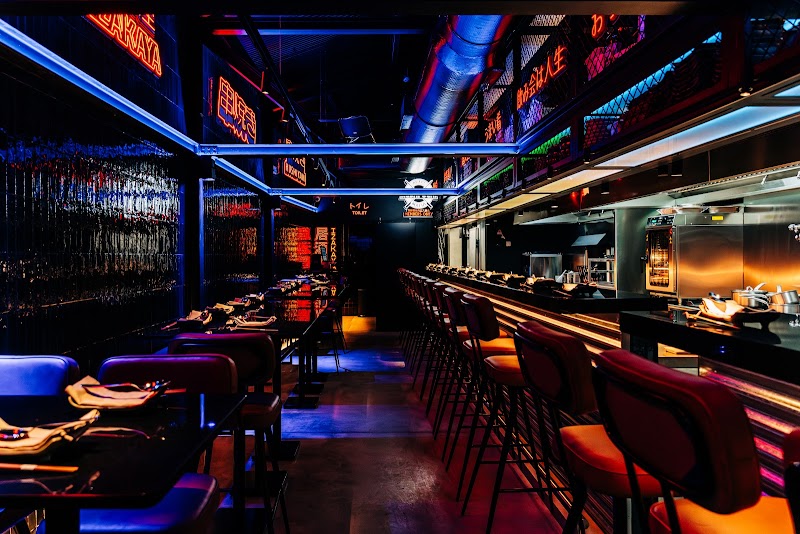
This system ensures your saved content is always actionable. Whether it is a hidden gem like A Nossa Casa or a trendy spot like Izakaya, Ordo organizes your saves so they appear exactly when you are in Lisbon and looking for a meal.
- Automated sync: Extract location data instantly from shared reels.
- Category tagging: Separate 'Foodie Picks' from travel or fitness saves.
- Location triggers: Get notified when you are near a saved restaurant.
Comparison: Instagram vs. Notion vs. Ordo
Instagram is a discovery engine, Notion is a database, and Ordo is the automation layer that connects them. While Notion is excellent for long-term storage, it lacks the specialized location triggers and ease of entry that Ordo provides.
Ordo ensures your data actually moves from your feed to your map. You no longer have to choose between the aesthetic of Instagram and the utility of a spreadsheet; Ordo offers both.
- Instagram: High discovery, zero utility for navigation.
- Notion: High organization, high manual friction.
- Ordo: Automated organization with high utility and map integration.
FAQs
What is the fastest way to organize saved restaurant reels?
The fastest way is using Ordo’s automation workflow to parse location data from saved Instagram Reels and sync it directly to a dedicated map or database.
Why are Instagram saves insufficient for travel planning?
Instagram saves are non-searchable by geography and lack GPS integration, making it difficult to find specific locations like JNCQUOI ASIA when you are on the move.
How does Ordo improve the utility of saved Lisbon restaurant reels?
Ordo acts as an automation bridge, converting reels of places like Galeto or Iru Omakase into actionable entries in a personal travel or dining database.
Explore more: Blog index