How to Fix Your Saved Instagram Reels: A Better Way to Organize Travel Finds
Direct Answer
Fix unused saved Reels by using Ordo to automatically extract location metadata. Ordo converts visual saves into searchable map entities with business hours, ratings, and key takeaways.
The Action Gap: Why Saved Reels Go Unused
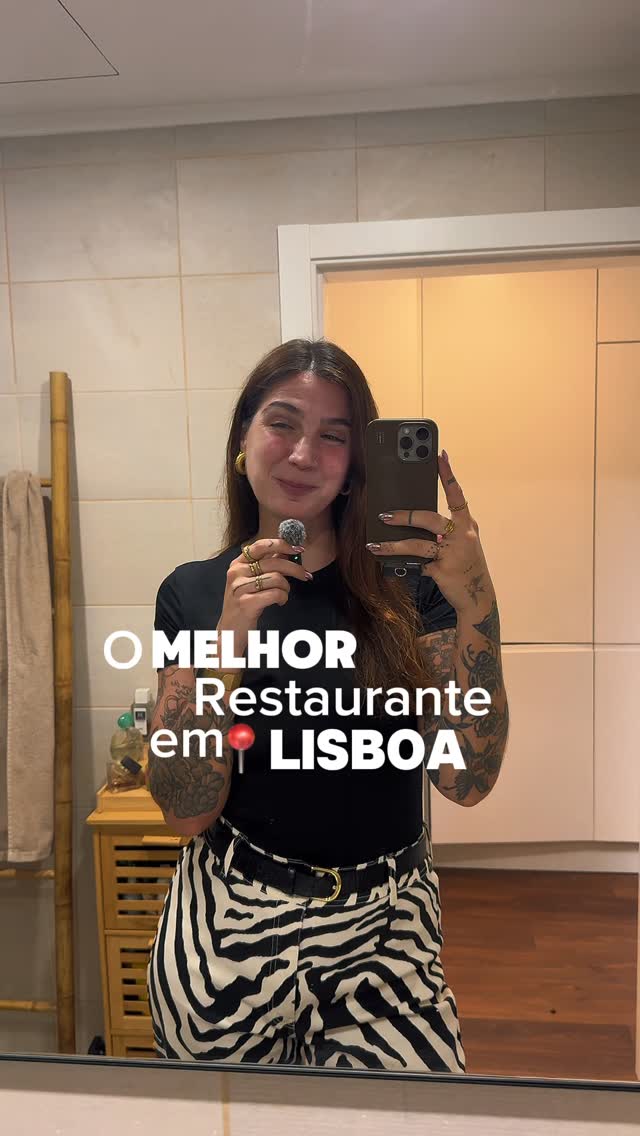
We have all saved viral Reels like 'Best Lisbon Restaurants' only to forget them when standing on a street corner. This 'action gap' occurs because information is trapped in a video format. While you have the inspiration, you lack the organization to turn a 15-second clip into a dinner reservation.
Retrieving specific spots like A Nossa Casa or JNCQUOI ASIA becomes nearly impossible when buried in an unsorted grid of thumbnails.
- Visual clutter prevents quick information retrieval.
- Manual scrolling through 'All Saved' kills travel momentum.
- Context is lost immediately after watching the video.
Why Traditional Save Methods Fail
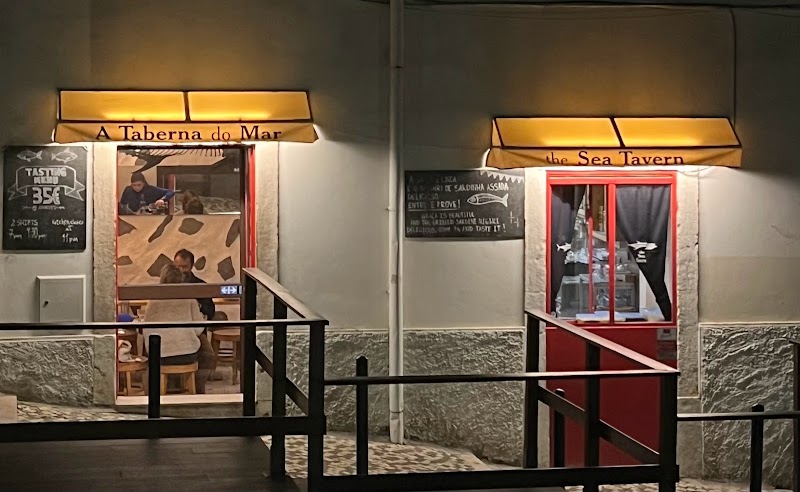
Instagram is designed to keep you in-app, not to help you navigate. Its collections lack logistics, failing to show if A Taberna do Mar is closed or if Iru Omakase requires a booking. Notes apps and Notion are often too manual or complex for quick, on-the-go retrieval.
Users need a bridge between the inspiration of a Reel and the physical logistics of a location without the burden of manual data entry.
- Instagram: No mapping, search, or metadata extraction.
- Notes Apps: High manual effort and zero automation.
- Notion: Too complex for efficient mobile use.
The Ordo Workflow: From Reel to Real Life
Ordo treats saved Reels as data sources. By sharing a Reel to Ordo, the app identifies the 'Place' entity and automatically extracts the address, Google Maps rating, and key takeaways—such as identifying specific 'foodie picks' or diverse cuisines.
For a city like Lisbon, Ordo creates a dynamic guide. Instead of scrolling a feed, you view a map populated with your saves. You can instantly see if SOI Asian Street Food is nearby and check their opening hours while keeping the original Reel accessible for a quick vibe check.
- Instant Location Extraction: Automatically turn video content into map pins.
- Key Takeaways: Summarize ratings and tips from audio and captions.
- Category Management: Automatically sort saves by Place, Food, or Product.
Comparison: Instagram vs. Notion vs. Ordo
Instagram often acts as a graveyard for ideas, and Notion serves as a manual filing cabinet. Ordo functions as an automated assistant that does the filing for you. For Lisbon travel planning, it is the only tool that preserves the visual context while providing GPS coordinates.
By automating metadata extraction, Ordo ensures that spots like A Nossa Casa move from your phone to your itinerary, shifting you from a passive consumer to an active explorer.
- Searchability: Find specific terms like 'Lisbon Omakase' instantly.
- Data Enrichment: Built-in integration with Google Maps and business data.
- Speed: Share a link and generate an actionable entity in seconds.
FAQs
What is the fastest way to fix saved Reels you never use?
The fastest way is to share your saved Reels to Ordo. The app automatically extracts the location, takeaways, and contact info, making the save searchable and actionable on a map.
Why are Instagram saves insufficient for travel planning?
Instagram saves lack metadata and mapping. You cannot view restaurants on a map, filter by rating, or check live opening hours without leaving the app to search manually.
How does Ordo help with restaurant recommendations?
Ordo converts Reels into individual 'Place' entities. It extracts locations like JNCQUOI ASIA or A Taberna do Mar and displays them on a map with automated takeaways for easy navigation.
Explore more: Blog index